

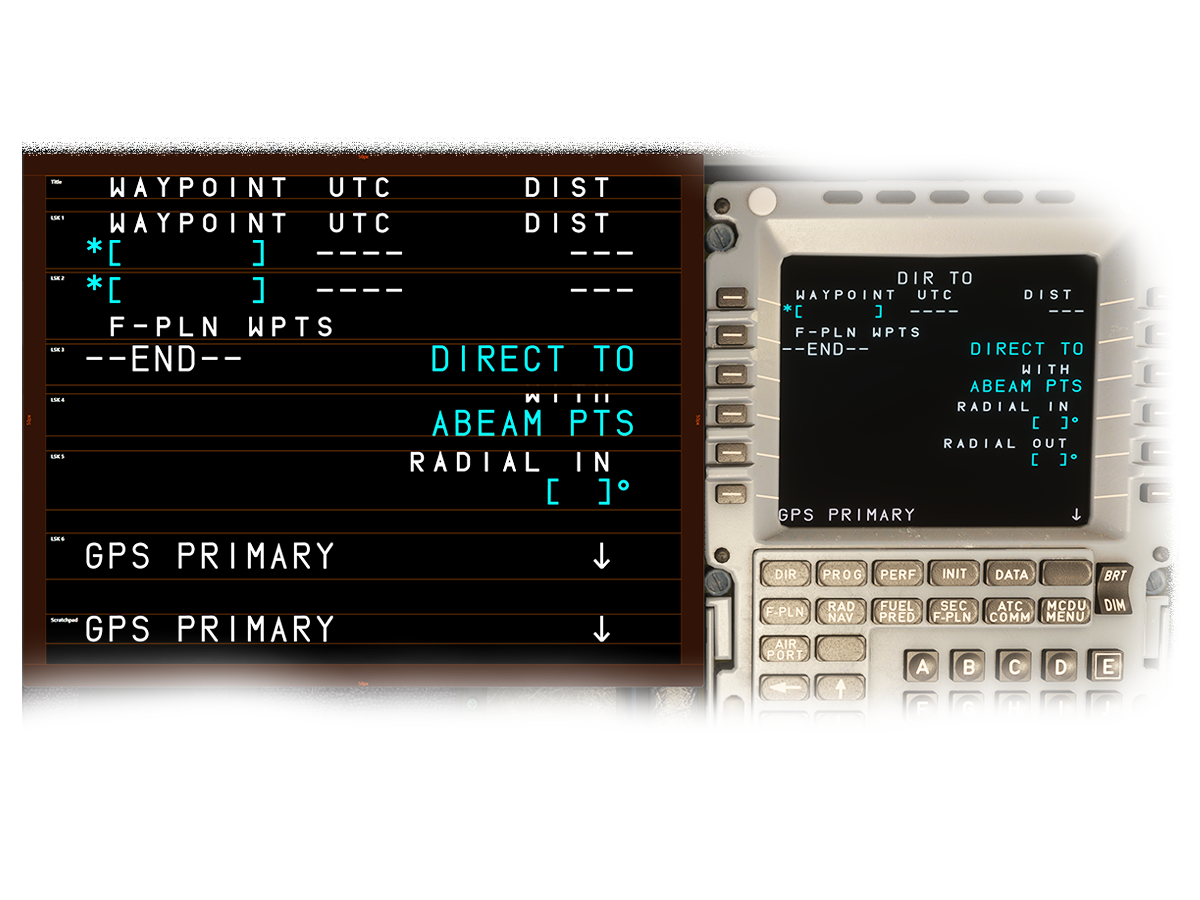
Display MCDU screens from Fenix A320, FlyByWire A32NX, and PMDG 737 on separate monitors. Perfect for home cockpits, streaming setups, or multi-monitor configurations.
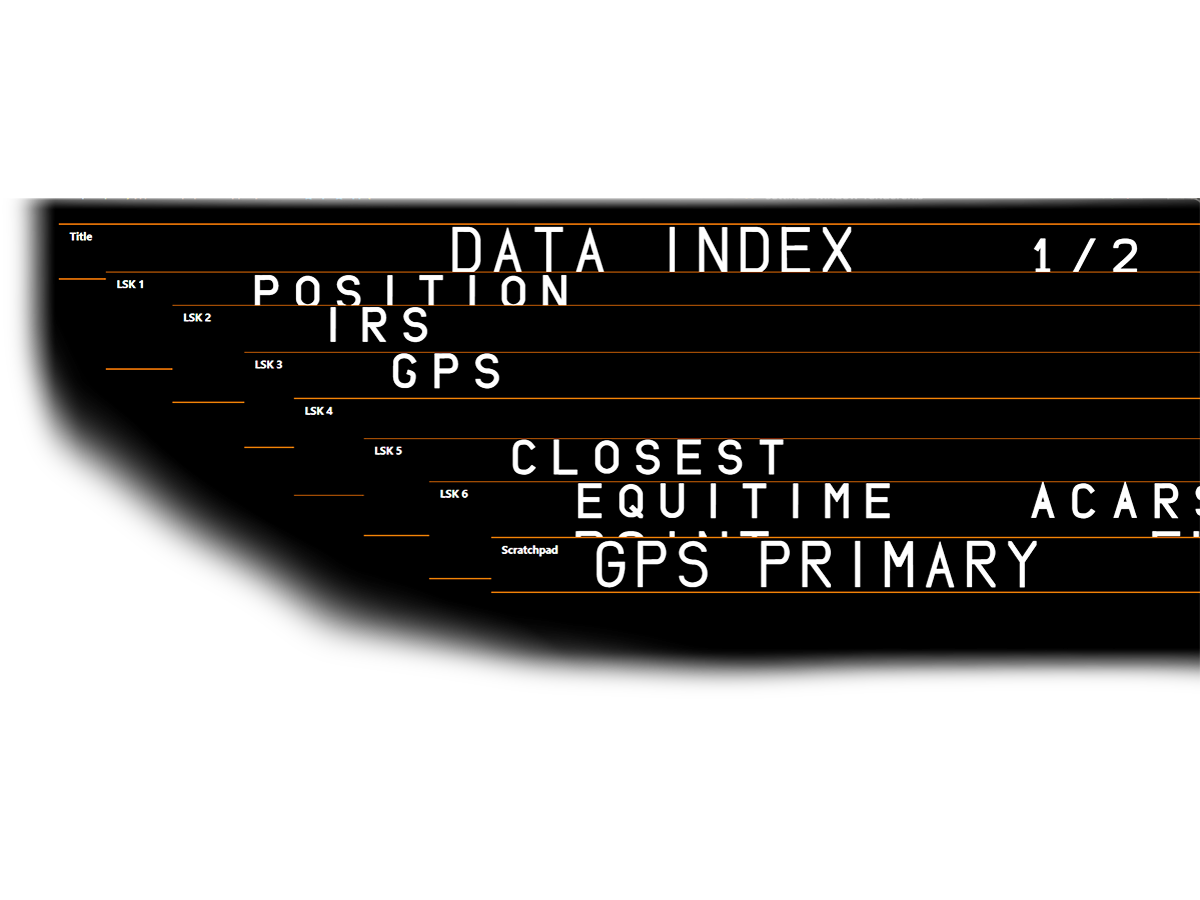
Everything you need to extract and display MCDU screens
Create multiple screen slices with drag-and-drop editing. Position and resize each slice exactly where you need it.
Horizontal and vertical guides help you align slices perfectly across multiple monitors with bezel compensation.
Automatically detects which aircraft you're flying and switches to the correct MCDU source.
Save and load different configurations for different setups. Switch between profiles instantly.
Clean, borderless display that blends seamlessly into your cockpit setup. Window position and size is saved and renewed automatically upon restart of the app.
Easily reorder slices and use auto-arrange to automatically stack them perfectly.
Works with the most popular flight sim add-ons
Full support via SimBridge connection
Direct integration with the A32NX
Full CDU support via SimConnect
Clicking on any aircraft name will redirect you to their external website.
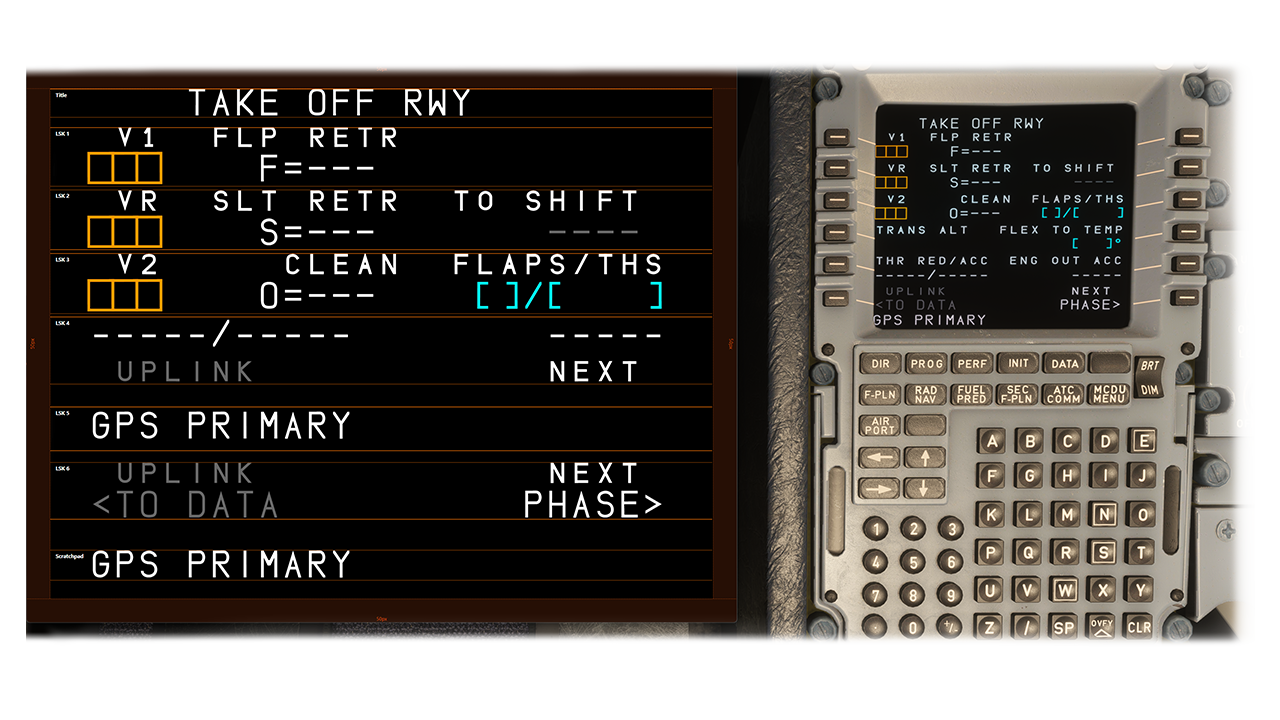
Create multiple screen slices with intuitive editing. Each slice can be positioned and cropped exactly where you need it on your display. Perfect for extracting specific parts of the MCDU screen and placing them on secondary monitors or dedicated cockpit displays. You can create as many slices as you need (up to a certain usable limit) and arrange them freely across your multi-monitor setup.
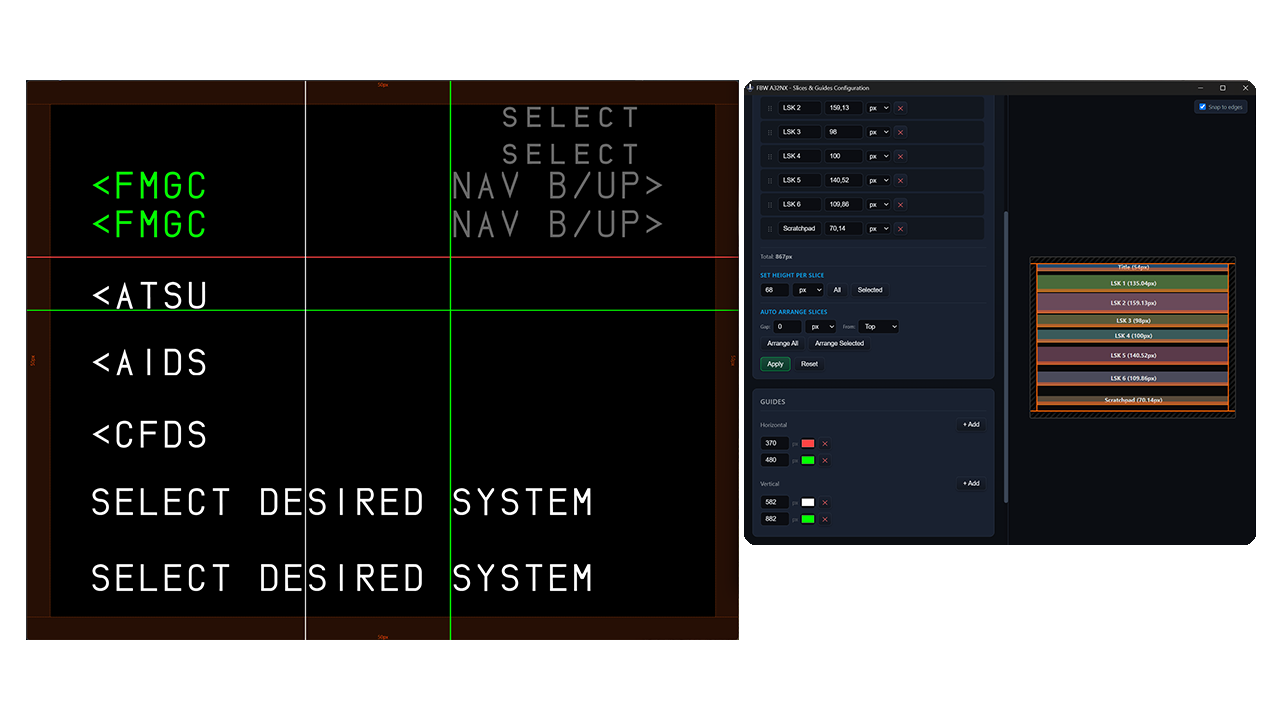
Use horizontal and vertical guides to align your slices perfectly across the monitor. The bezel compensation feature helps you account for hardware bezels, ensuring seamless alignment even when displays are obstructed by front plates covering parts of your screen.
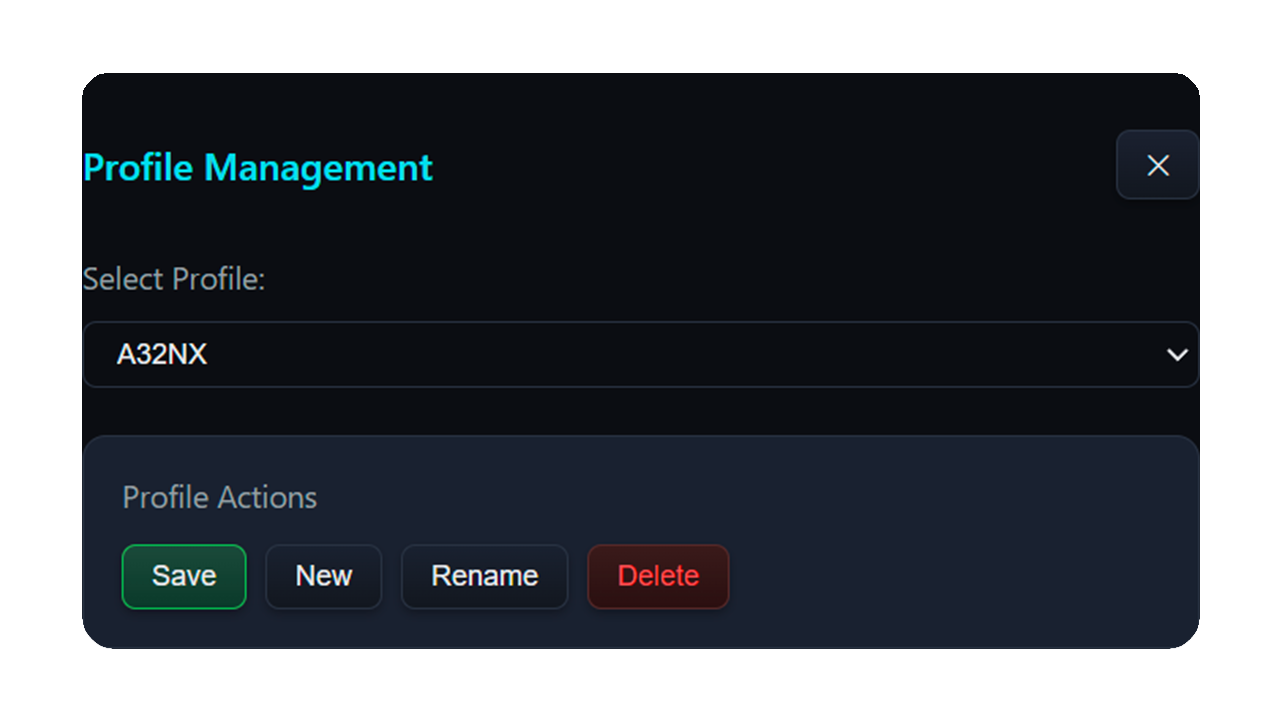
Save and load different slice configurations for different setups. Whether you have multiple cockpit arrangements or switch between streaming and personal use, profiles let you switch between configurations instantly. Each profile stores your slice positions, sizes, and settings.
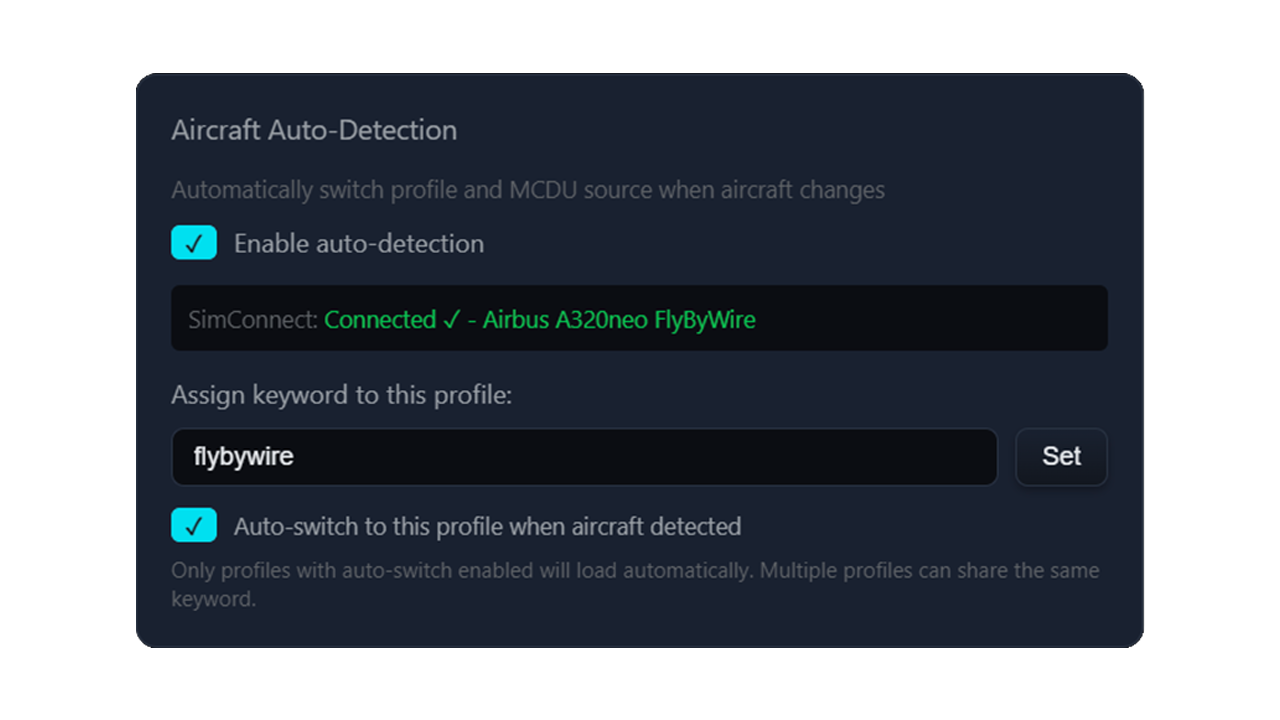
The app automatically detects which aircraft you're currently flying in Microsoft Flight Simulator. When you switch between the Fenix A320 and FlyByWire A32NX, the MCDU source changes automatically without any manual intervention. Just fly and let the app handle the rest.
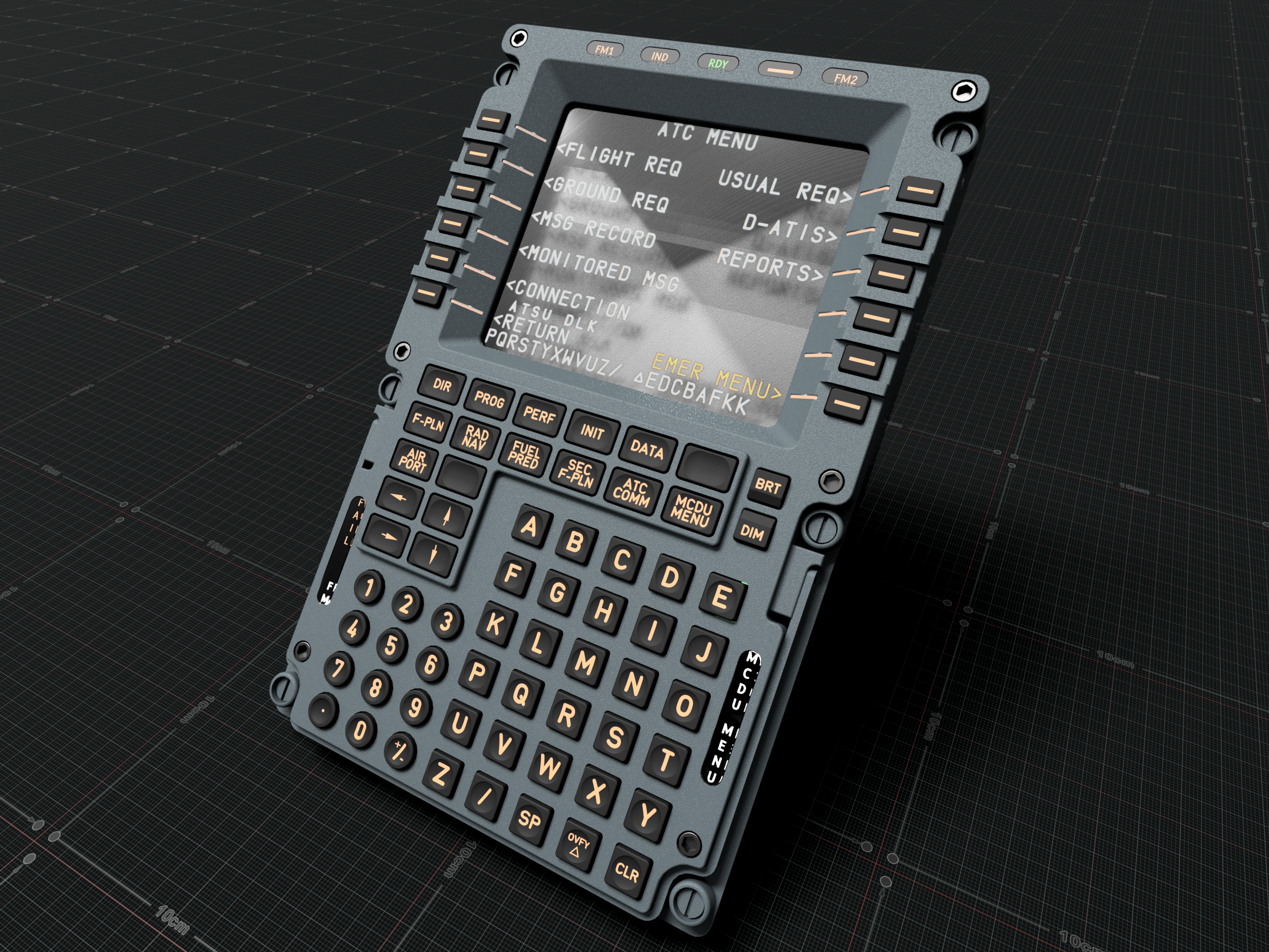
The app runs in a clean, borderless window that integrates seamlessly into your cockpit setup. Your window position and size are automatically saved and restored on every restart, so you never have to reposition your displays again.
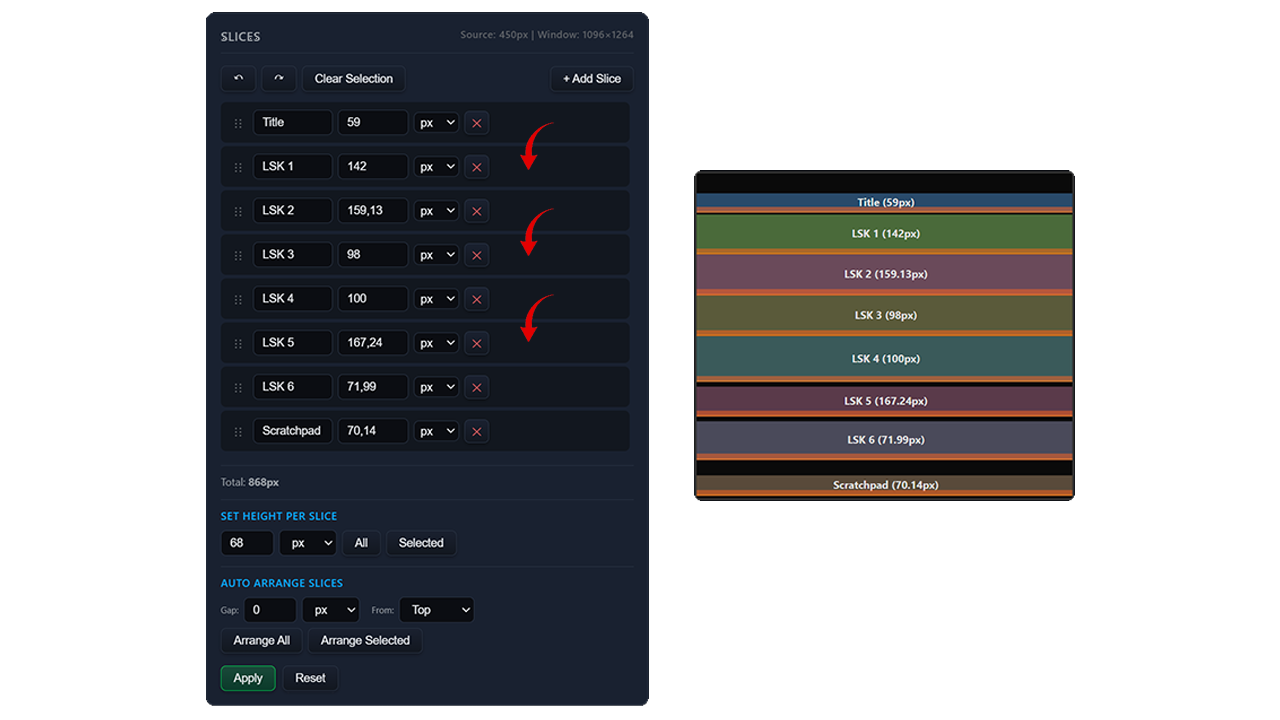
Drag and drop to reorder your slices in any sequence. Use the auto-arrange feature to automatically stack all slices perfectly without gaps or overlaps.